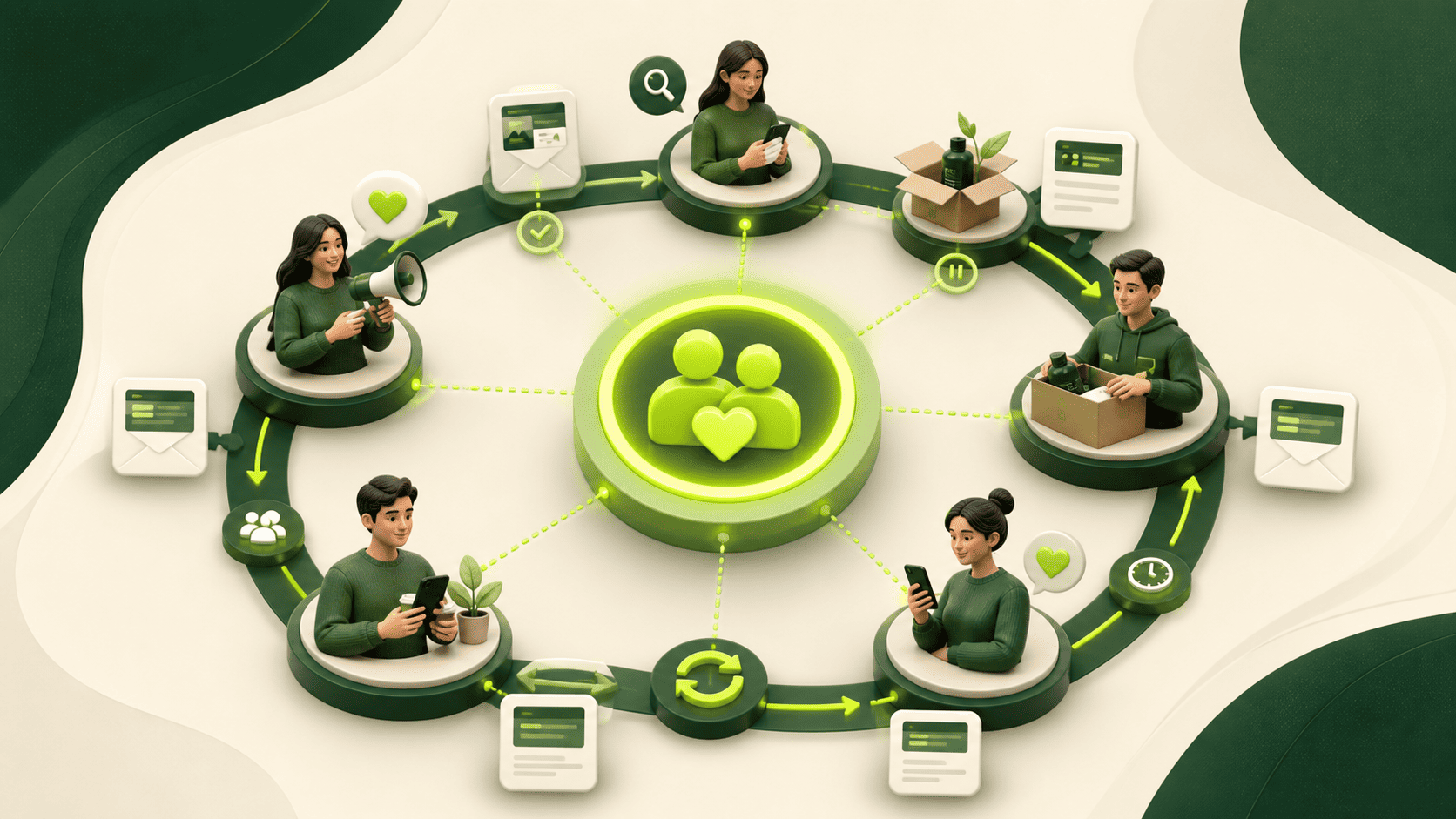
Email automation is most useful when it responds to a real customer event: a new subscription, a product enquiry, a purchase, an inactive account or a request for help. The technology is the delivery layer. The strategy is the sequence of decisions that determines who receives a message, why they receive it and what should happen next.
Start with permission, purpose and a measurable outcome
Before drawing a workflow, document the lawful basis or permission used to contact each audience, the promise made when the address was collected and the business outcome the programme should support. A large database is not automatically a valuable audience. A smaller list with clear expectations and usable first-party data is often easier to serve well.
For each automation, write a one-sentence purpose: “Help a new subscriber choose the right service”, “Help a new customer reach first value”, or “Find out whether an inactive contact still wants to hear from us”. This prevents a workflow from becoming a series of unrelated broadcasts.
The lifecycle map
| Stage | Typical trigger | Recipient need | Primary evidence |
|---|---|---|---|
| Acquisition | Permission captured | Understand what they signed up for | Source, consent record and expectation |
| Welcome | New subscription or enquiry | Orientation and a useful first step | Delivery, activation and reply signals |
| Consideration | Declared interest or meaningful behaviour | Comparison, proof and objection handling | Content progression and qualified actions |
| Conversion | High-intent action | A clear decision and low-friction next step | Completed enquiry, order or booked action |
| Onboarding | Purchase or handover | Know what happens next | Setup completion and time to first value |
| Adoption | Use or milestone event | Get more value and resolve friction | Usage, support and satisfaction signals |
| Retention | Renewal date or inactivity | Relevance, help or a respectful exit | Renewal, reactivation or unsubscribe |
| Advocacy | Positive outcome or feedback | An appropriate way to refer or review | Referral, review or approved story |
1. Acquisition: capture enough context to remain relevant
Store the source, date, permission record and stated interest where practical. Do not request information merely because a form can hold it. Every field should improve relevance, routing or service. Keep paid, organic, event, customer and partner sources distinguishable so later reporting can show which journeys produce useful outcomes.
2. Welcome: deliver the promise immediately
The first message should confirm the subscription or enquiry, set expectations and provide one useful next step. A welcome sequence should not repeat the same sales pitch three times. Use it to answer the questions a new contact is most likely to have and show how to change preferences or leave the list.
3. Consideration: branch on needs, not vanity activity
A click can signal interest, curiosity or accidental behaviour. Combine declared interests, page context and repeated meaningful actions before changing a contact’s journey. Useful consideration content includes comparison criteria, process explanations, proof with context, pricing factors and answers to recurring sales questions.
4. Conversion: make the handover explicit
High-intent emails should lead to a page that continues the same promise. Explain the action, the information required and what happens after submission. Suppress sales nudges once the action is complete, and make sure the event is recorded only after a genuine success state rather than a button click.
5. Onboarding and adoption: help customers reach value
Marketing automation should not stop at the sale. Map the first milestones a customer must complete, the questions that delay progress and the point at which a human should intervene. Transactional and service communications deserve clear ownership so promotional logic never disrupts essential messages.
6. Retention and reactivation: recognise when relevance changes
Define inactivity according to the buying cycle; thirty days may be long for one business and normal for another. A reactivation sequence should offer help, request updated preferences or allow a clean exit. Continuing to send to unresponsive recipients can damage list quality and obscure real engagement.
Build the data and governance layer before scaling
- Document each trigger, eligibility rule, exclusion, delay and exit condition.
- Keep a suppression source that prevents sends to unsubscribed or inappropriate recipients.
- Assign an owner and review date to every live workflow.
- Test fallback values, time zones, duplicate events and conflicting journeys.
- Limit access to personal information and retain only what the workflow needs.
Measure movement, not email activity alone
Delivery, opens and clicks are diagnostic signals. The programme should also connect to outcomes such as qualified enquiries, completed onboarding, repeat purchase, retention or reduced support friction. Compare people at the same lifecycle stage, use a sensible holdout where possible and record external factors that may affect the result. Avoid universal benchmark claims: your baseline, audience and sales cycle provide the relevant comparison.
Evidence to collect before launch
- A workflow diagram showing triggers, branches, exclusions and owners.
- Test records for each path, including consent and unsubscribe behaviour.
- Authentication and deliverability checks for the sending domain.
- A measurement specification linking message events to business outcomes.
- A change log so performance can be interpreted after edits.
Official references
- Information Regulator: Guidance Note on Direct Marketing under POPIA
- Google: email sender guidelines
Need help mapping the lifecycle? Explore FGX’s email marketing services or contact the team to turn the framework into a measured implementation plan.